![duel_logotype-1.png]](https://info.duel.tech/hs-fs/hubfs/duel_logotype-1.png?height=37&name=duel_logotype-1.png)
Moderation Intelligence reviews advocate applications for you. It checks your sign-up rules, scores each applicant's public social content for Brand Safety, Content Quality and Brand Fit, then accepts, rejects or sends them to manual review based on thresholds you set.
💻 Click your brand logo in the top right of your Duel dashboard, select Settings, then open Moderation Rules.
🗓️ Switched on brand by brand. Your Brand Partner switches Moderation Intelligence on for your programme and helps you set it up. It moderates advocate sign-ups only; challenge submissions are moderated as before.
📁 What's New
- Three scores, 0 to 100: Brand Safety, Content Quality and Brand Fit, scored from each applicant's public images, videos and captions.
- Thresholds you control: set Auto Reject, Manual Review and Auto Accept zones for each score. Changes apply to new applications straight away.
- Sign-up rules per group: private profiles, followers, country, posting frequency and custom fields, plus banned domains, hashtags and handles and profanity detection.
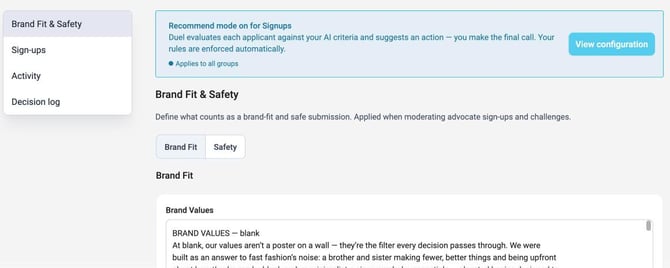
- Recommend mode: see what the AI would decide before you let it act. Your rules still apply automatically.
- Decision log: every sign-up decision with its scores and reason, searchable and exportable as a CSV.
- Version History: see every change to your rules and restore an earlier setup.
✅ Getting started
Start in Recommend mode, watch the scores in the Decision log for at least a week, adjust your thresholds, then switch the mode to On.
📖 Learn more
For the full setup, read Moderation Intelligence: AI moderation for advocate sign-ups.